Moor Media | Sports Preset
Bring your sports photography to the next level.
This Moor Media Sports Preset bundle includes all 3 Moor Media FNL Presets: Shine, Viral, and B&W.
These Lightroom presets help you achieve the classic black & white look, or bold colors with a pop and hine in just one click!
What's Included:
Friday Night Lights “B&W” Lightroom preset
Friday Night Lights “SHINE” Lightroom preset
Friday Night Lights “VIRAL” Lightroom preset
Compatible with Adobe Lightroom Classic and regular Lightroom. (AI Denoise may not be compatible with Regular Lightroom)
Instant digital download (.XMP files)
How to Download & Install
Complete your purchase and download the ZIP file from your confirmation email.
Unzip the downloaded file to access your presets.
Open Adobe Lightroom Classic.
Go to the Develop module.
In the Presets panel on the left, click the + icon and select Import Presets.
Select your downloaded .XMP preset files and click Import.
Your presets are now ready to use!
Note: Every photo is different. You may need to adjust exposure, white balance, and other settings to get the best results.
Digital product only. No physical item will be shipped. Preset files may not be shared, redistributed, or resold.tos pop like the pros with my Sports Friday Night Light Lightroom Classic Preset.

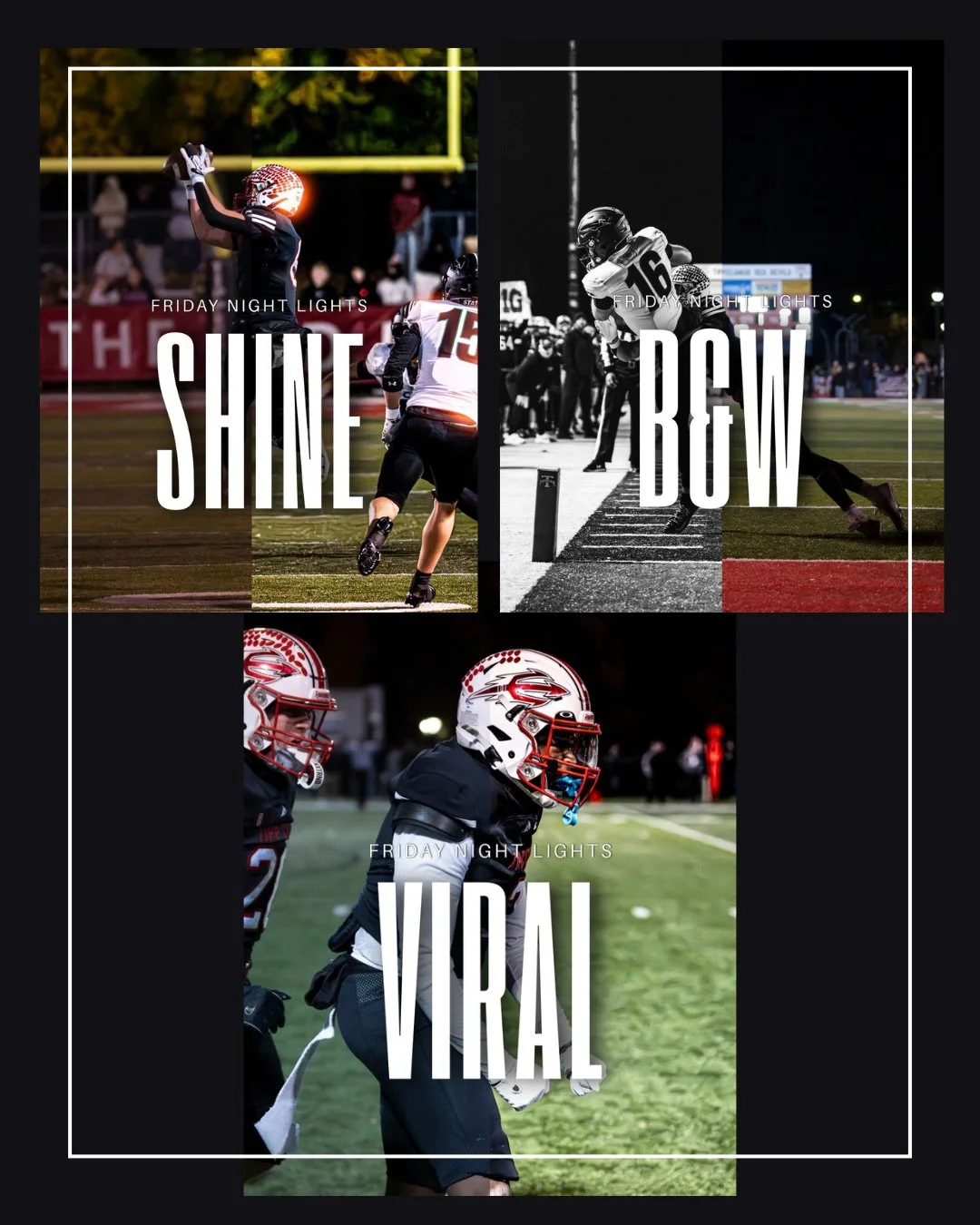 Image 1 of 20
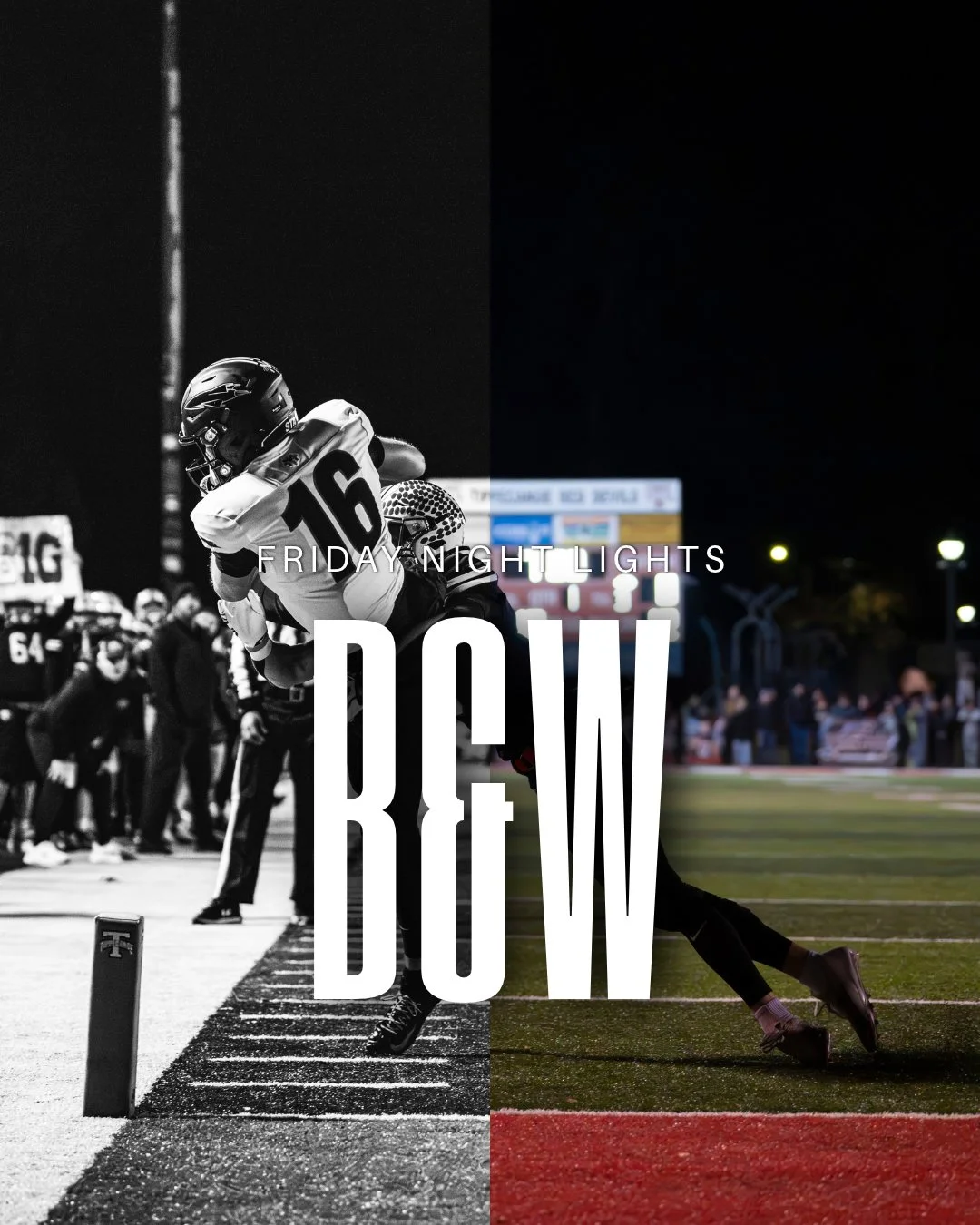 Image 2 of 20
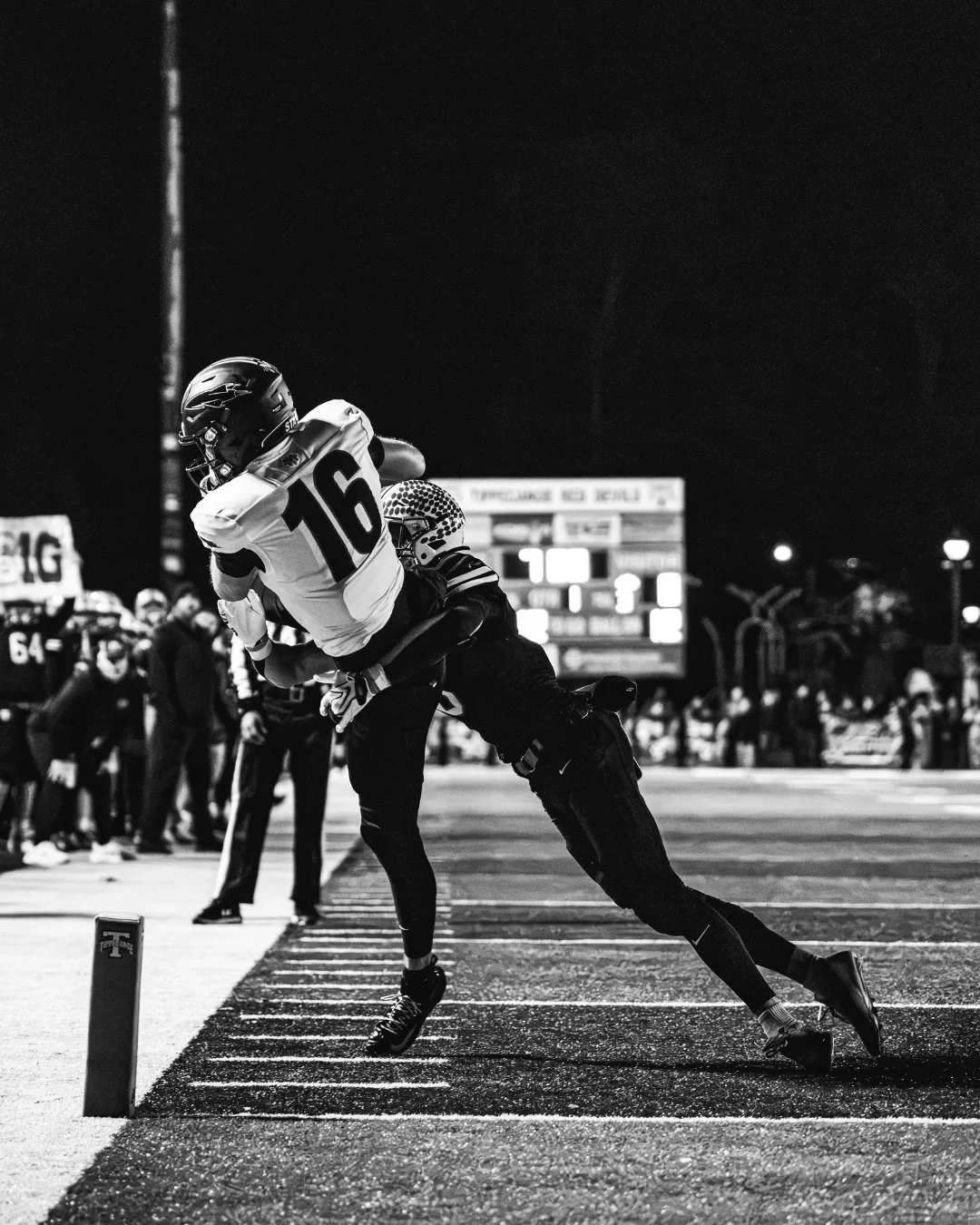 Image 3 of 20
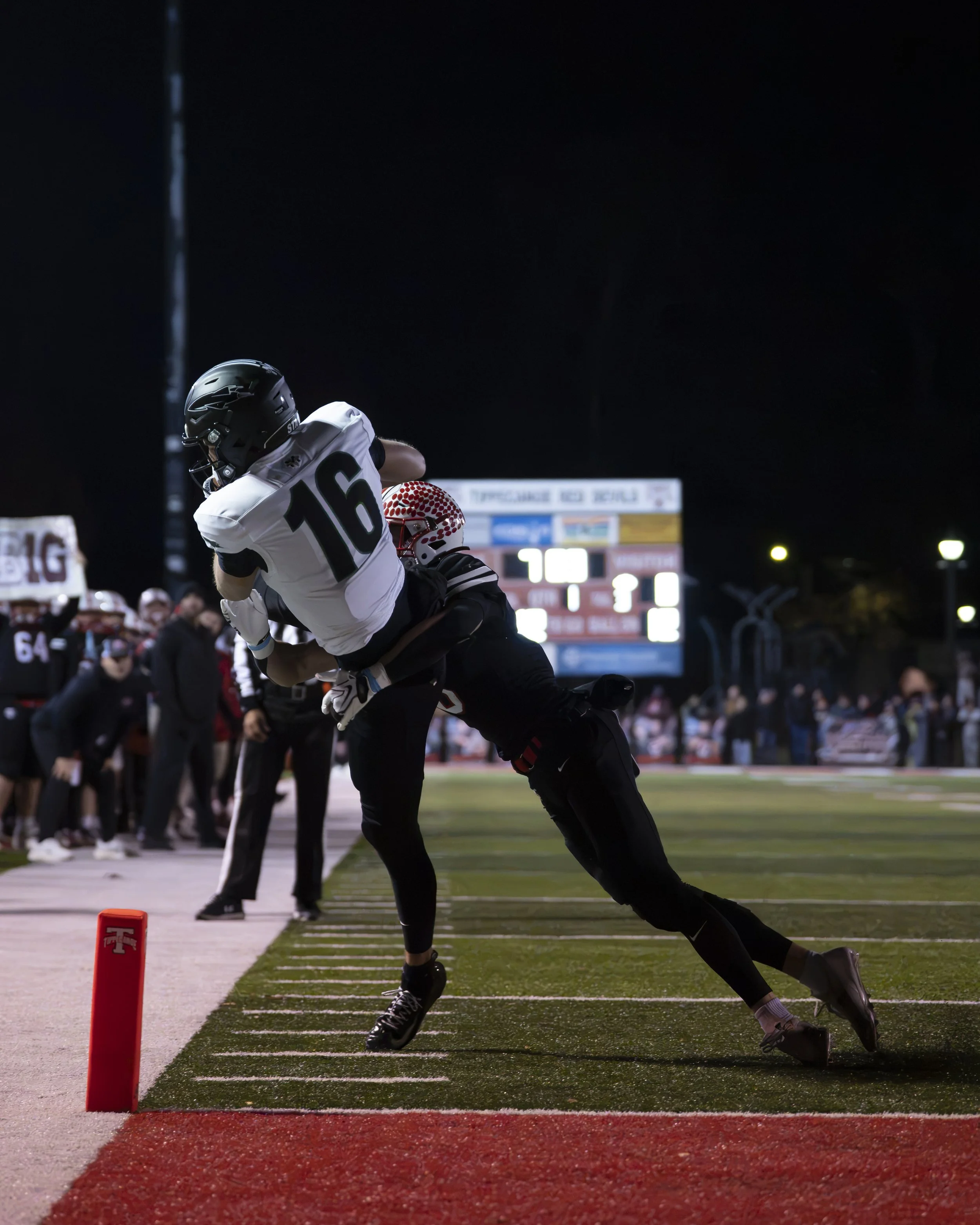 Image 4 of 20
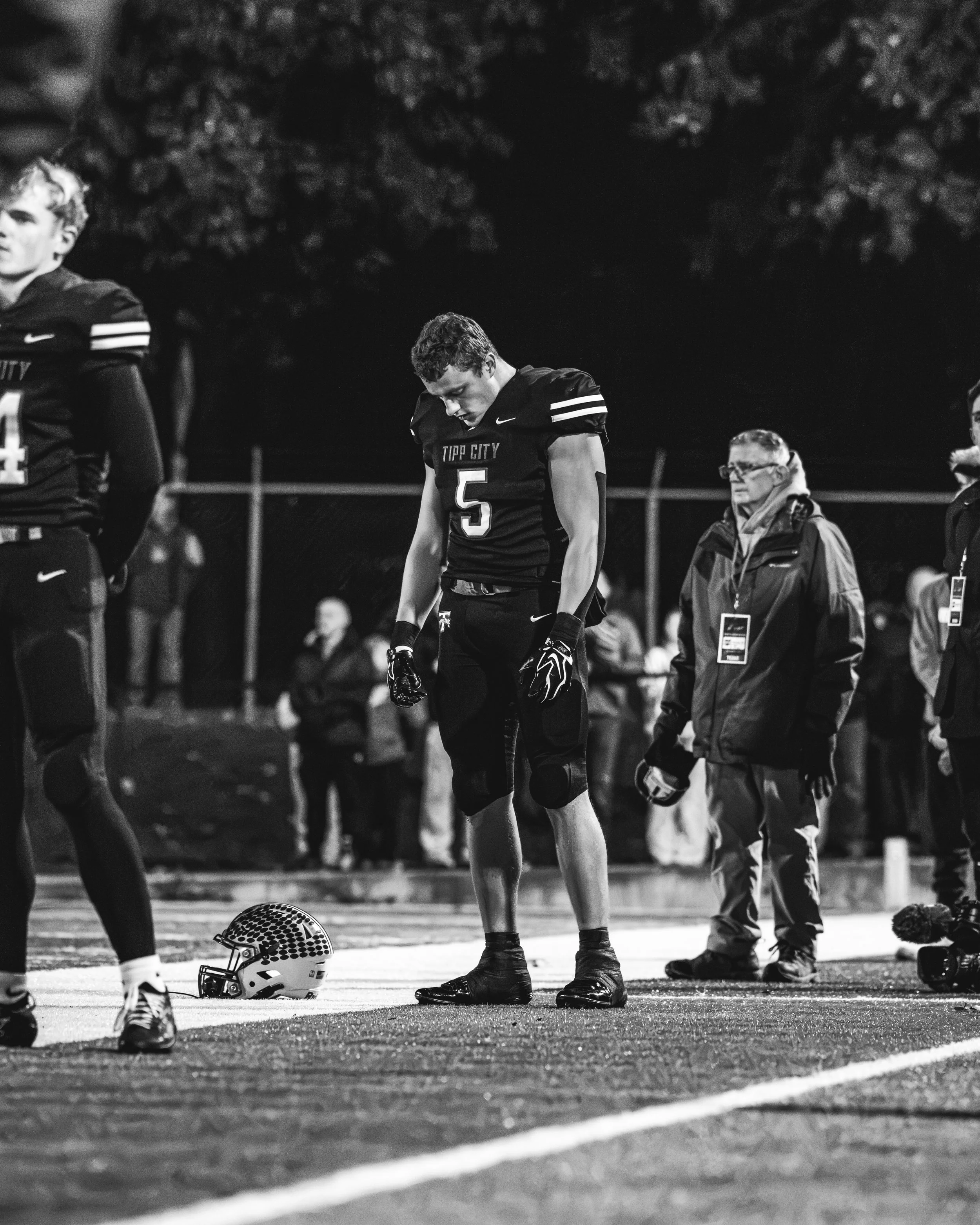 Image 5 of 20
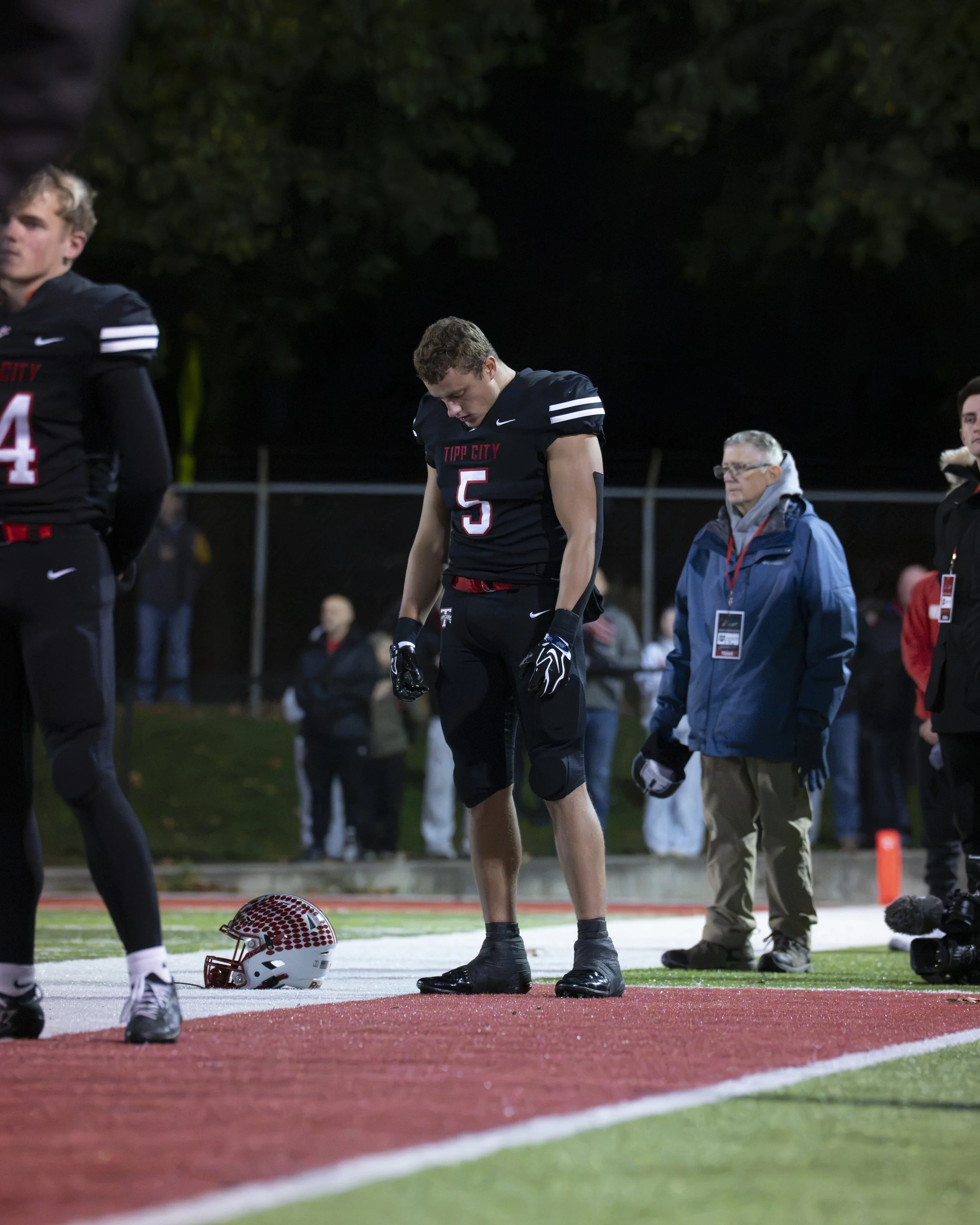 Image 6 of 20
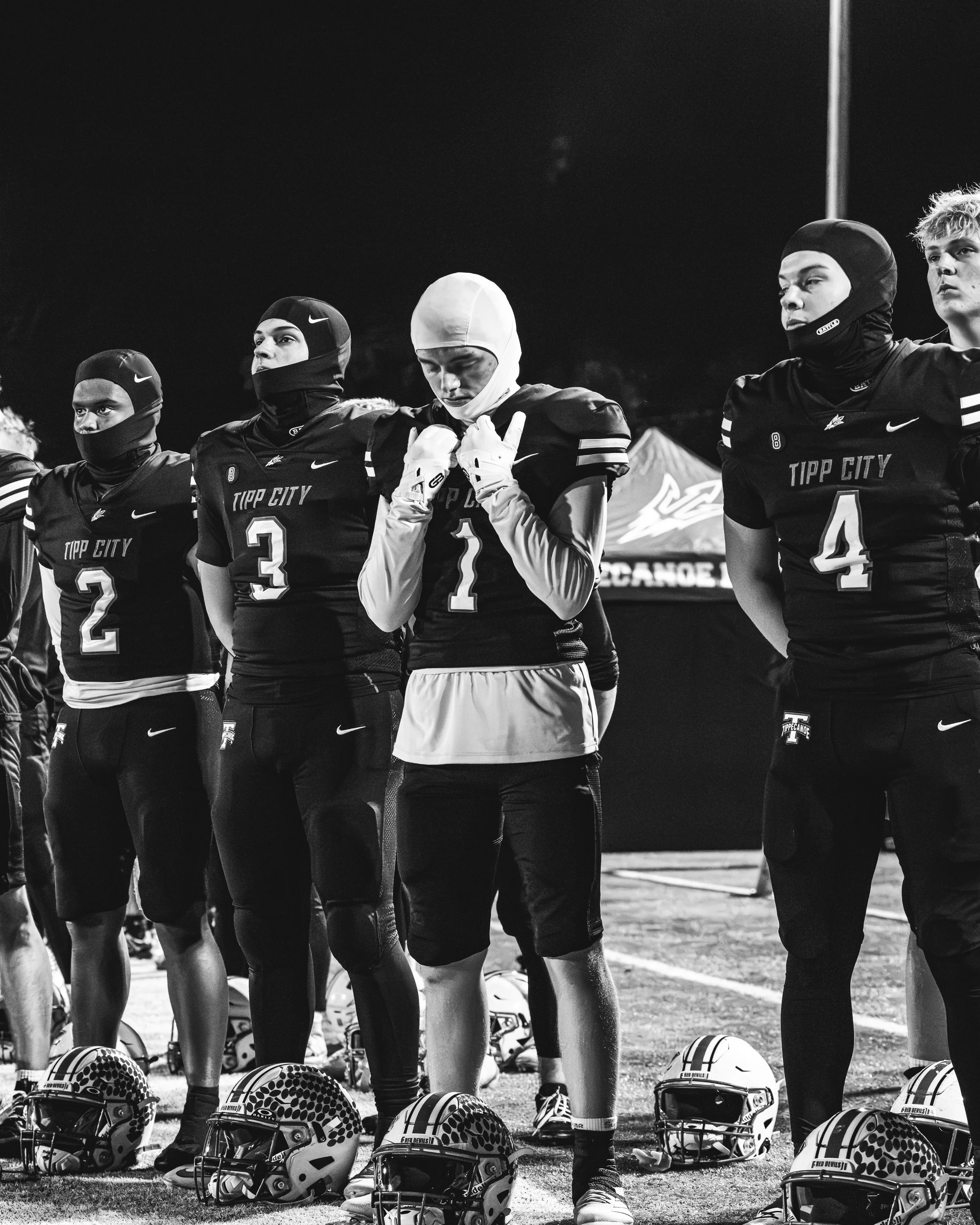 Image 7 of 20
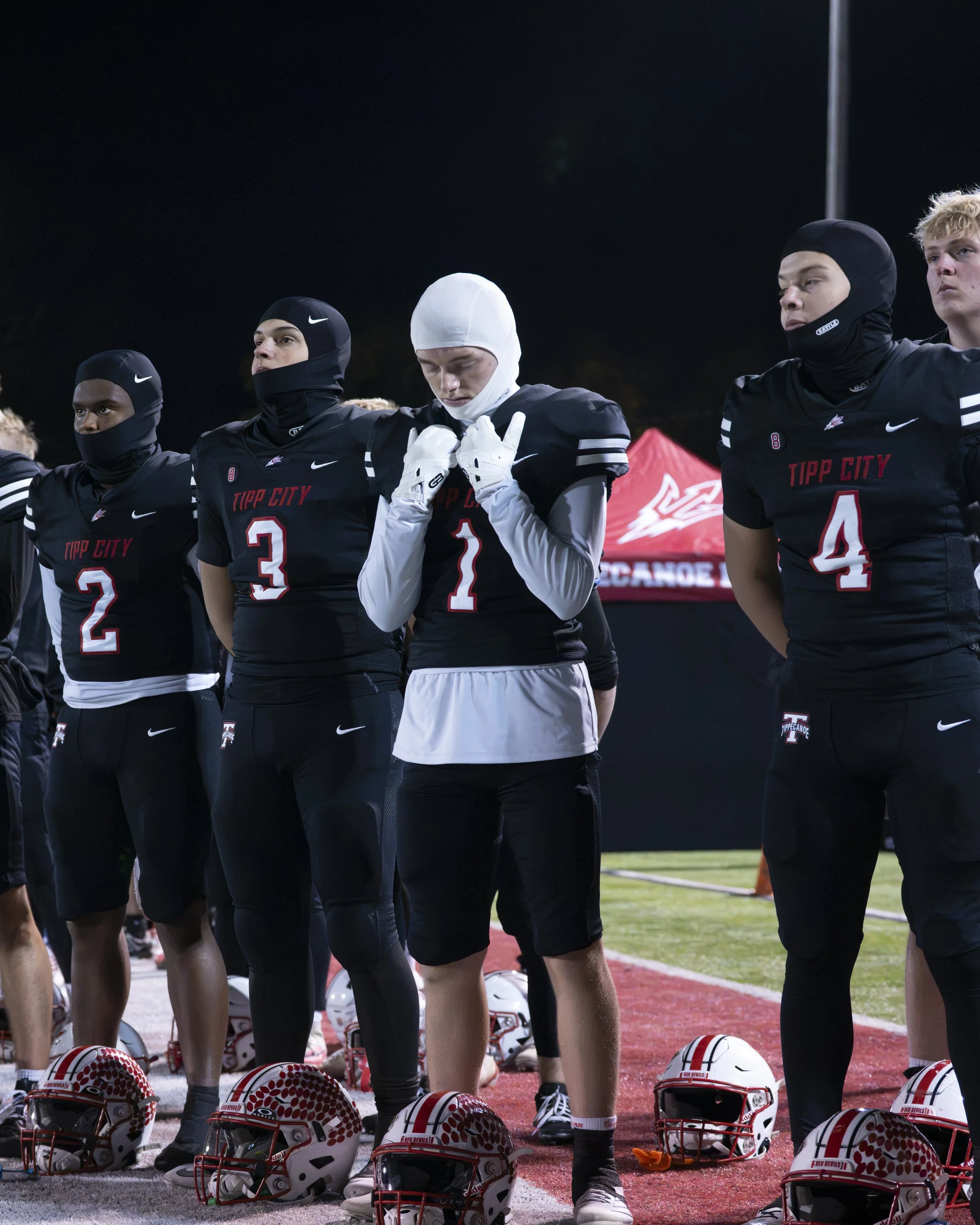 Image 8 of 20
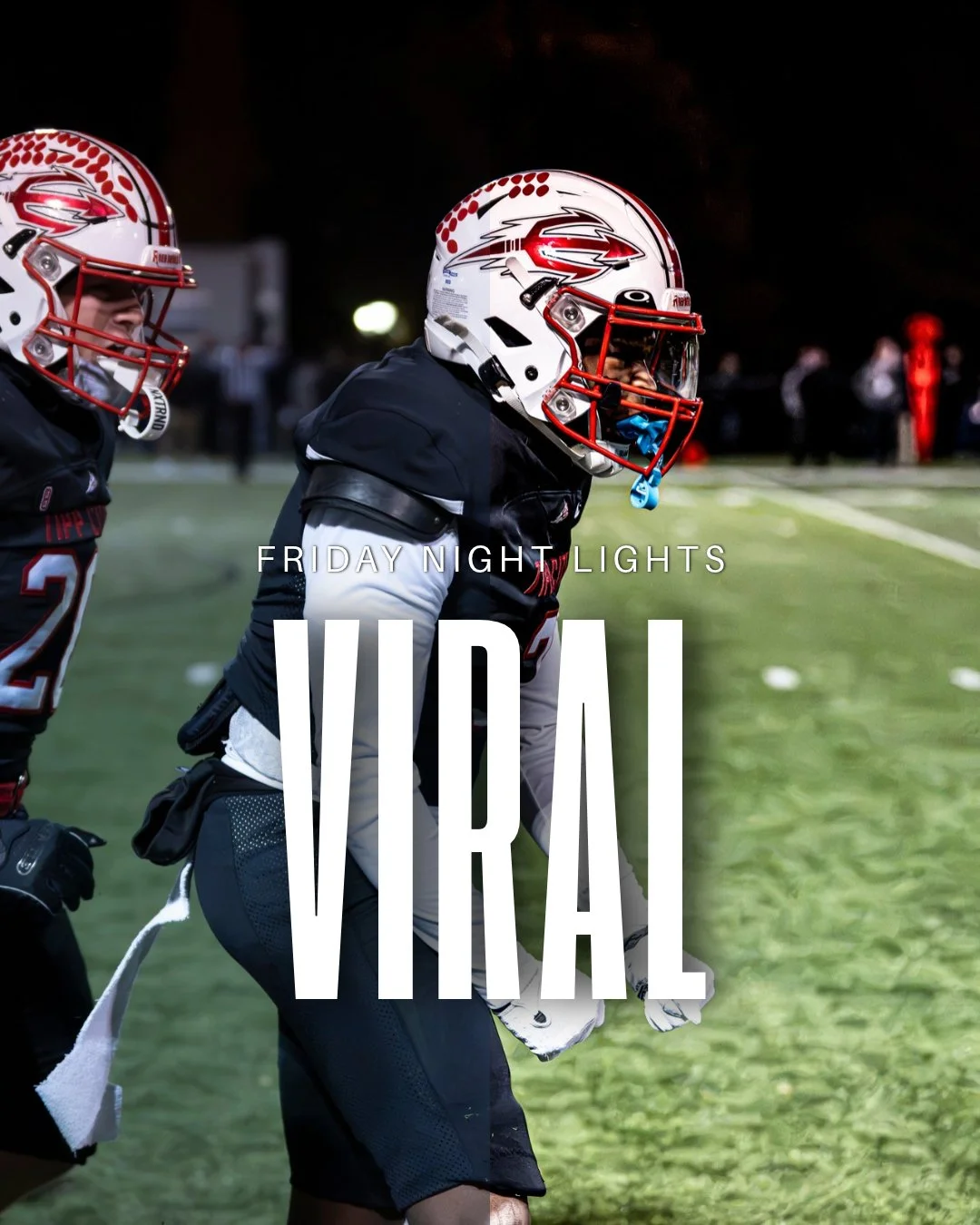 Image 9 of 20
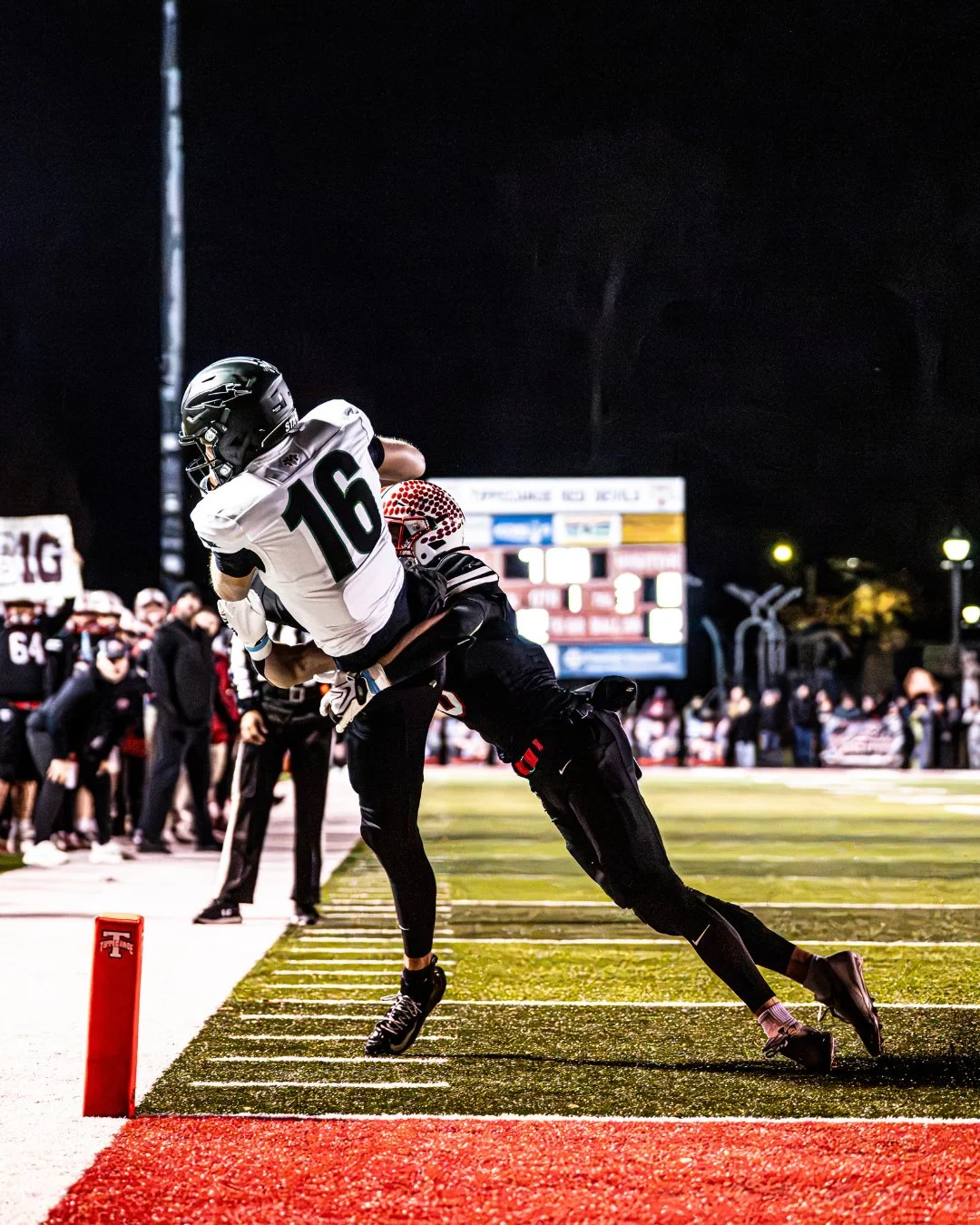 Image 10 of 20
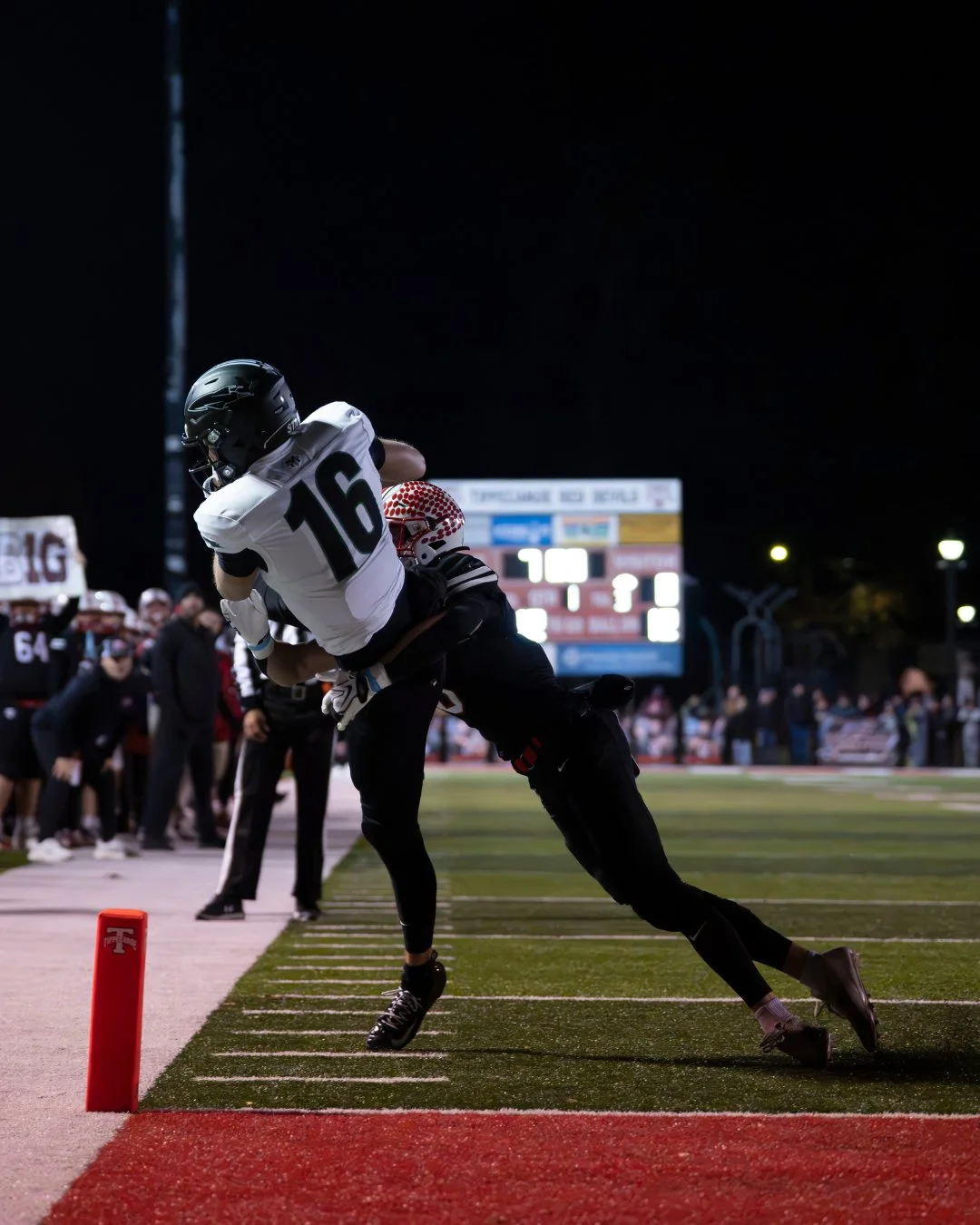 Image 11 of 20
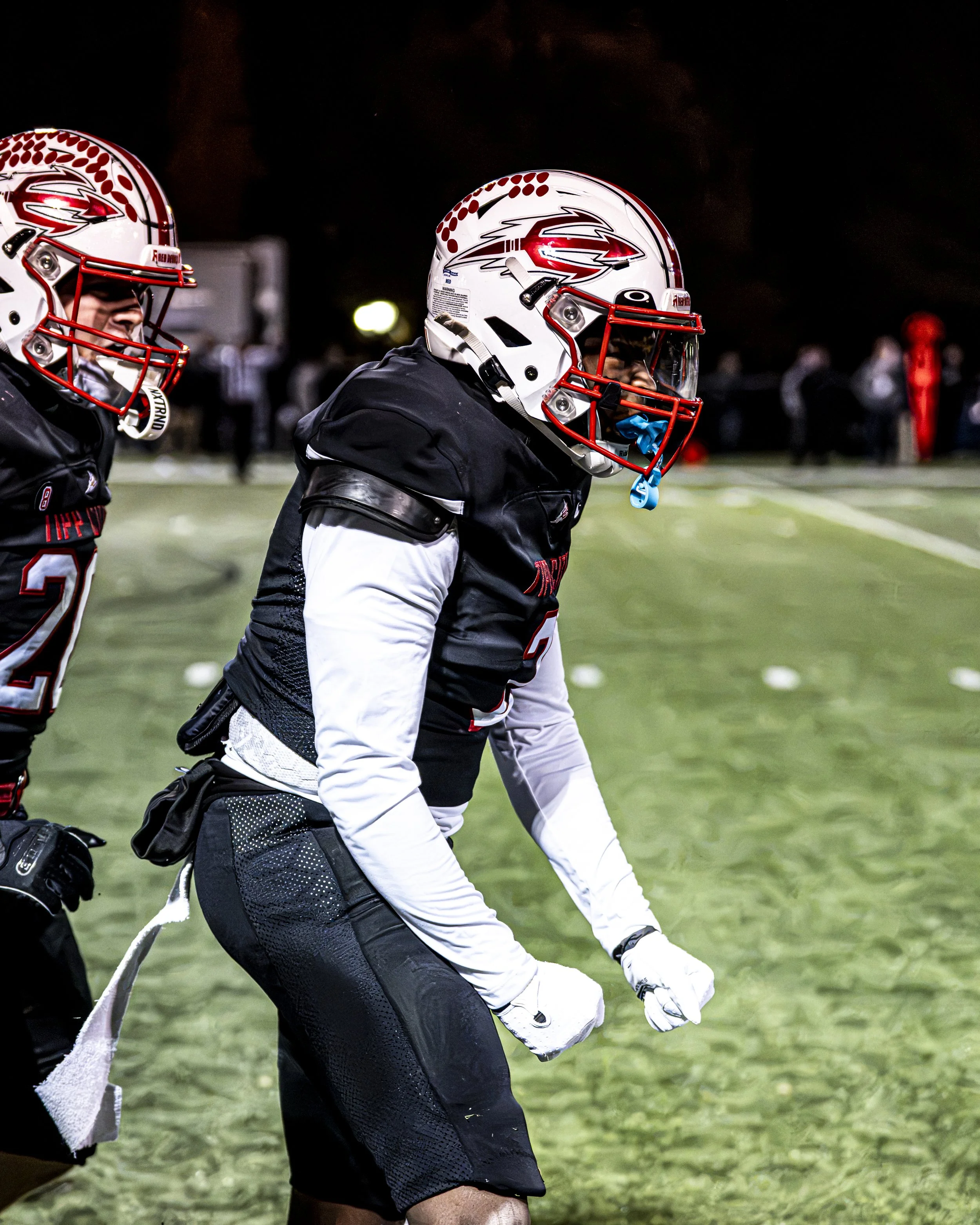 Image 12 of 20
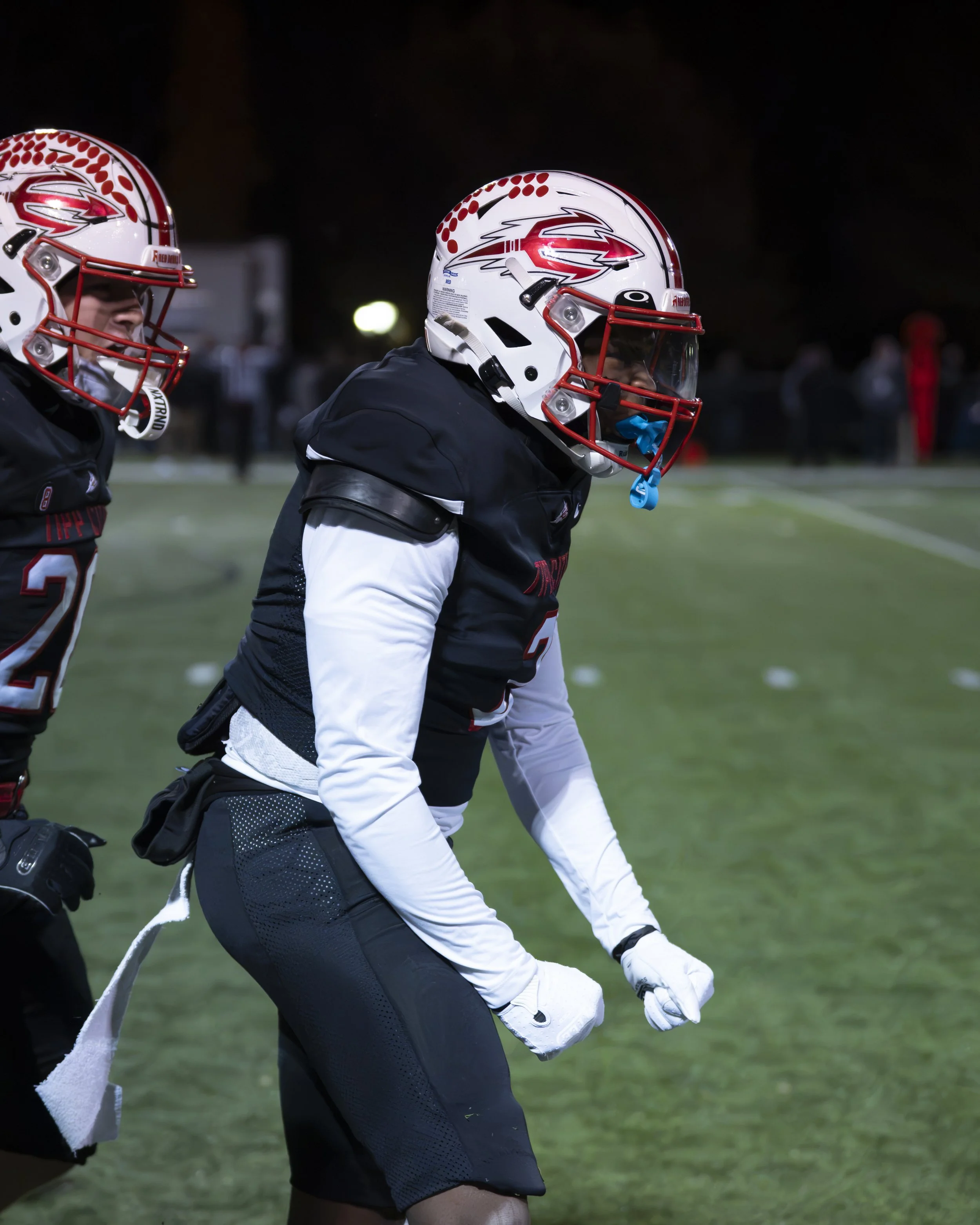 Image 13 of 20
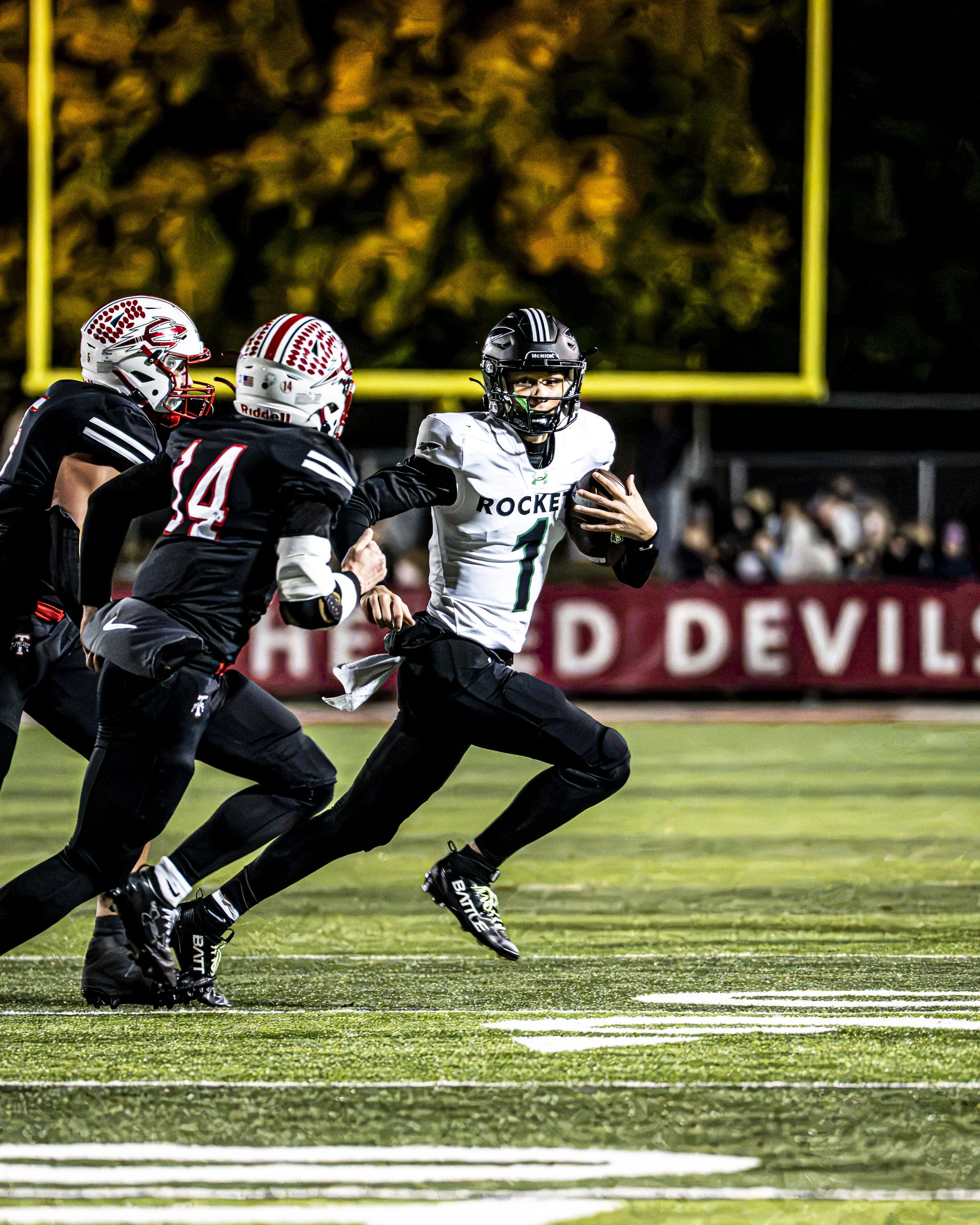 Image 14 of 20
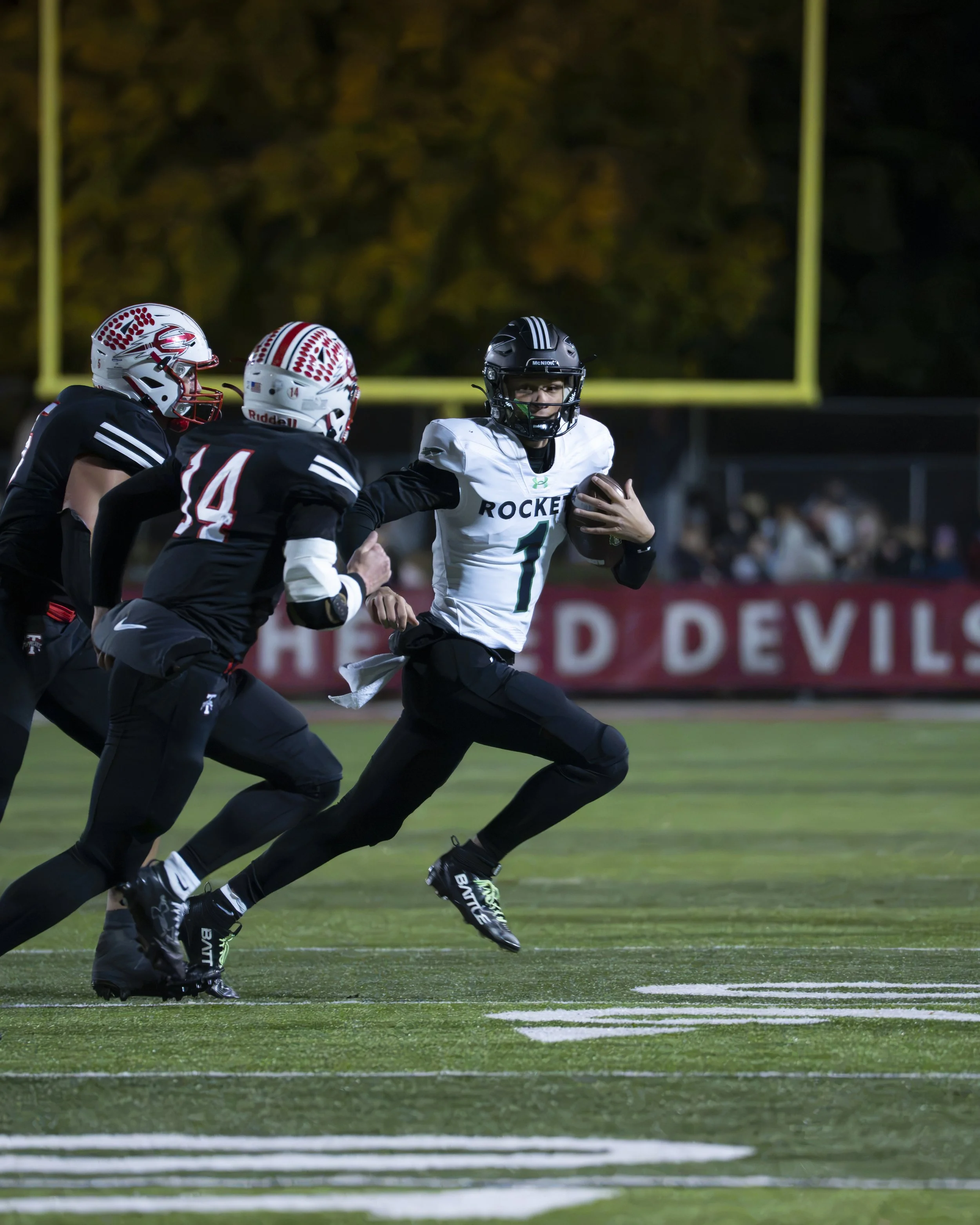 Image 15 of 20
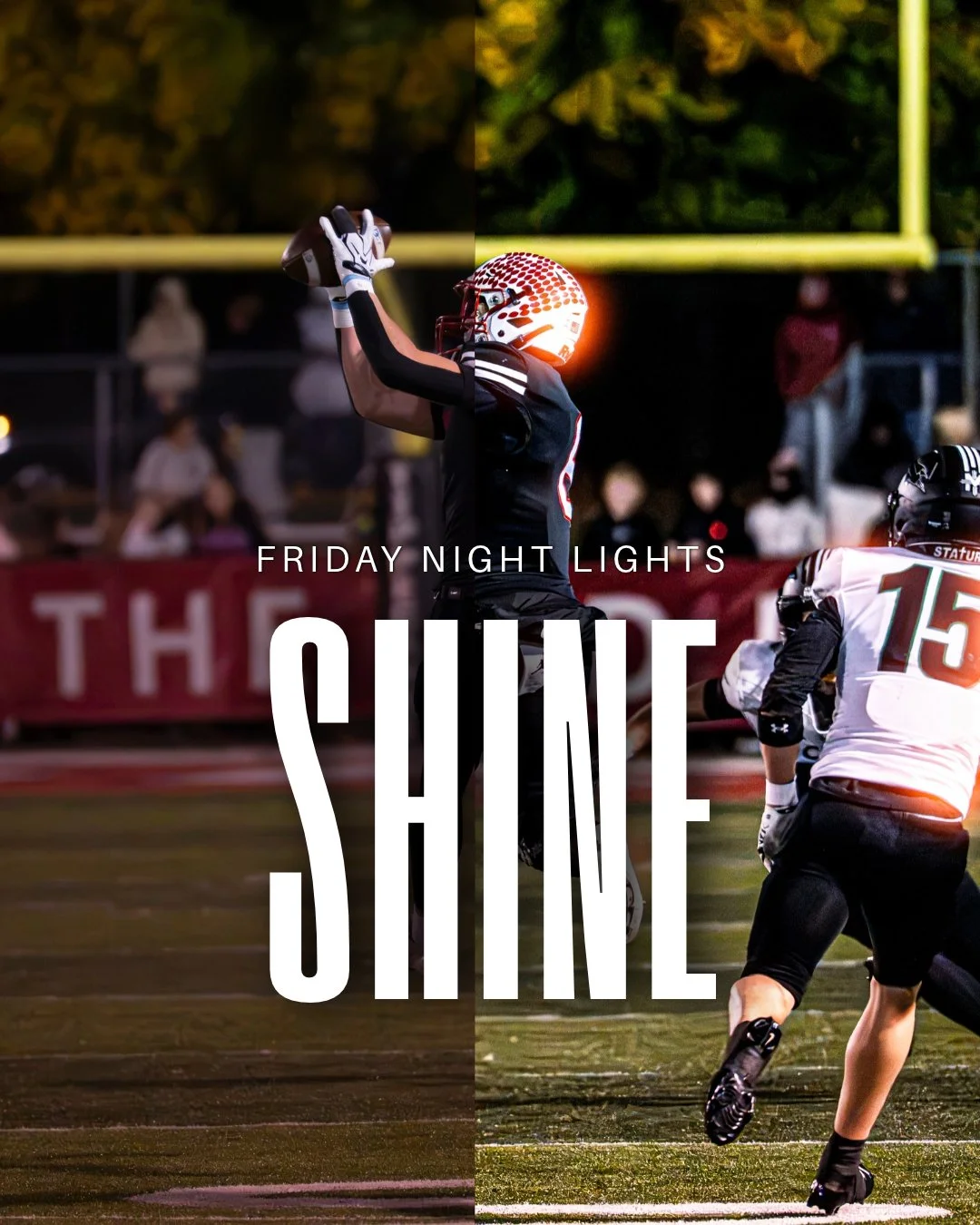 Image 16 of 20
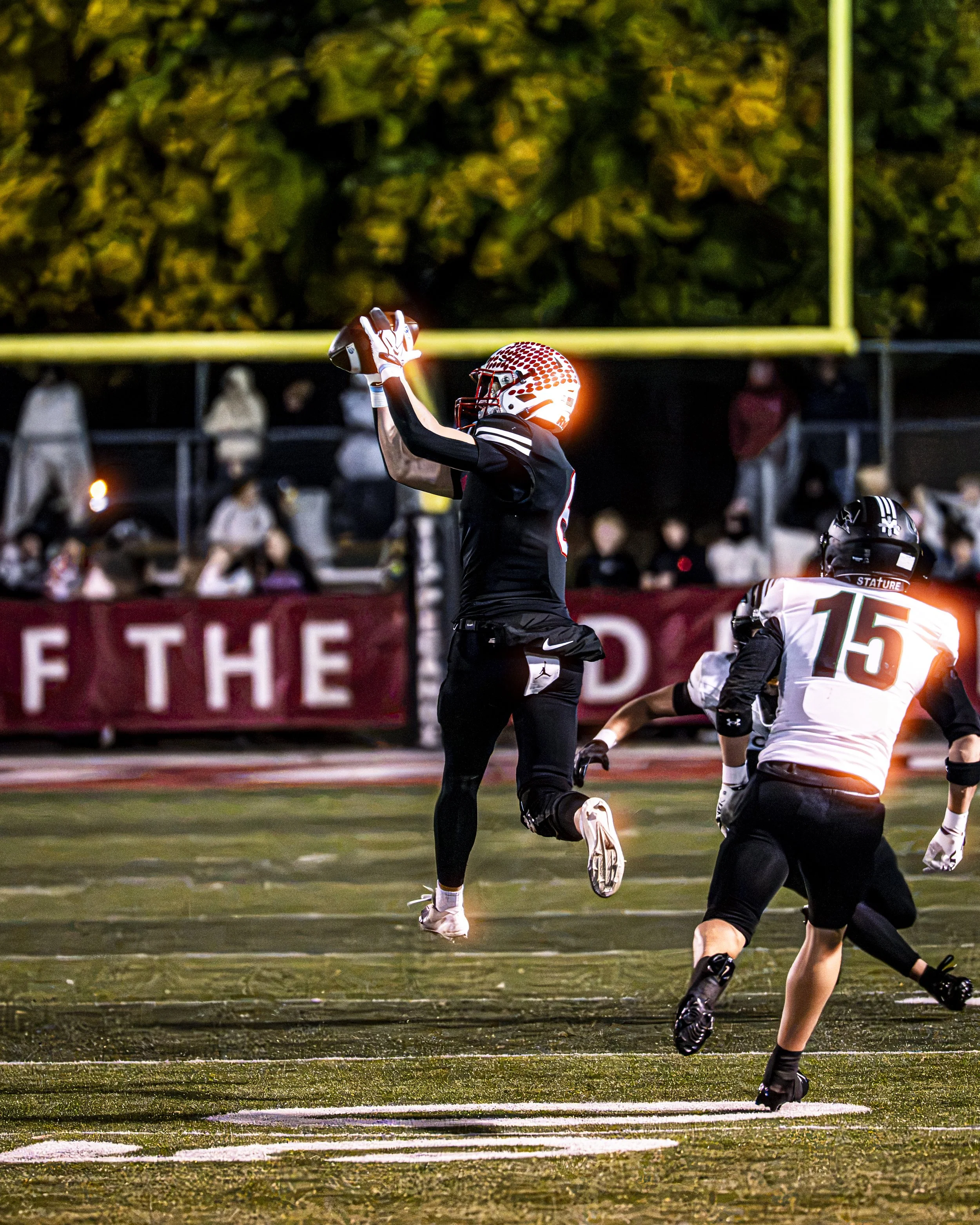 Image 17 of 20
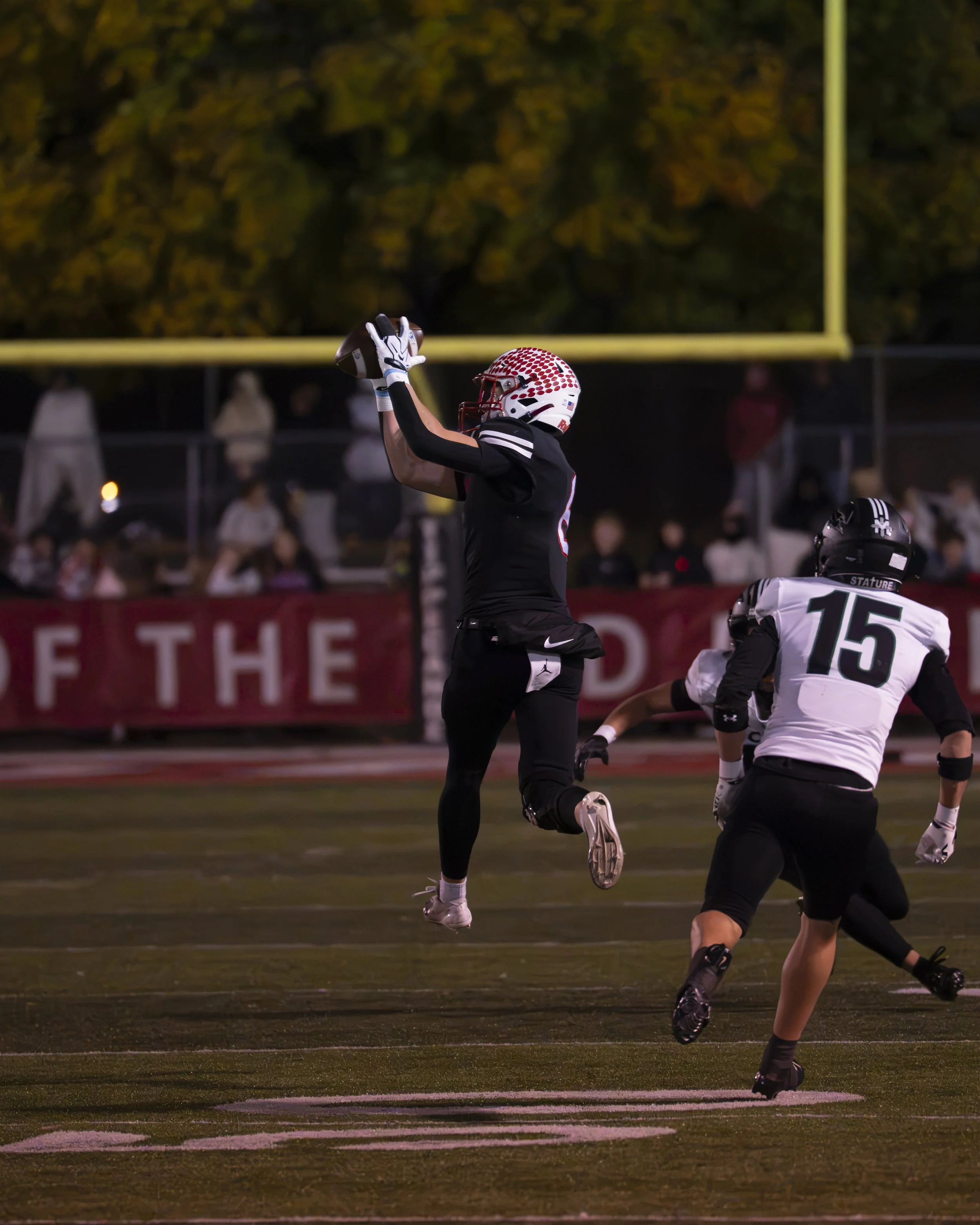 Image 18 of 20
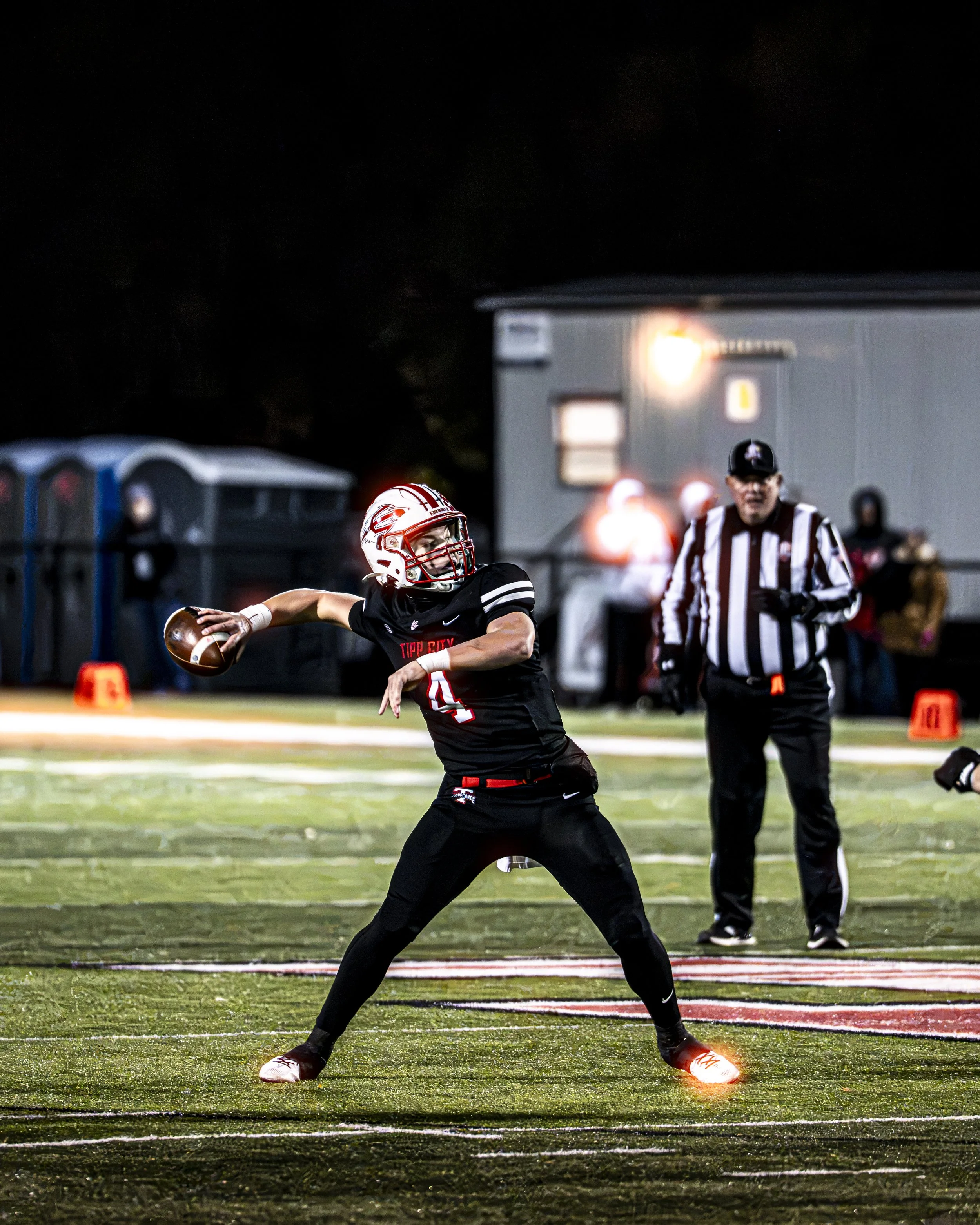 Image 19 of 20
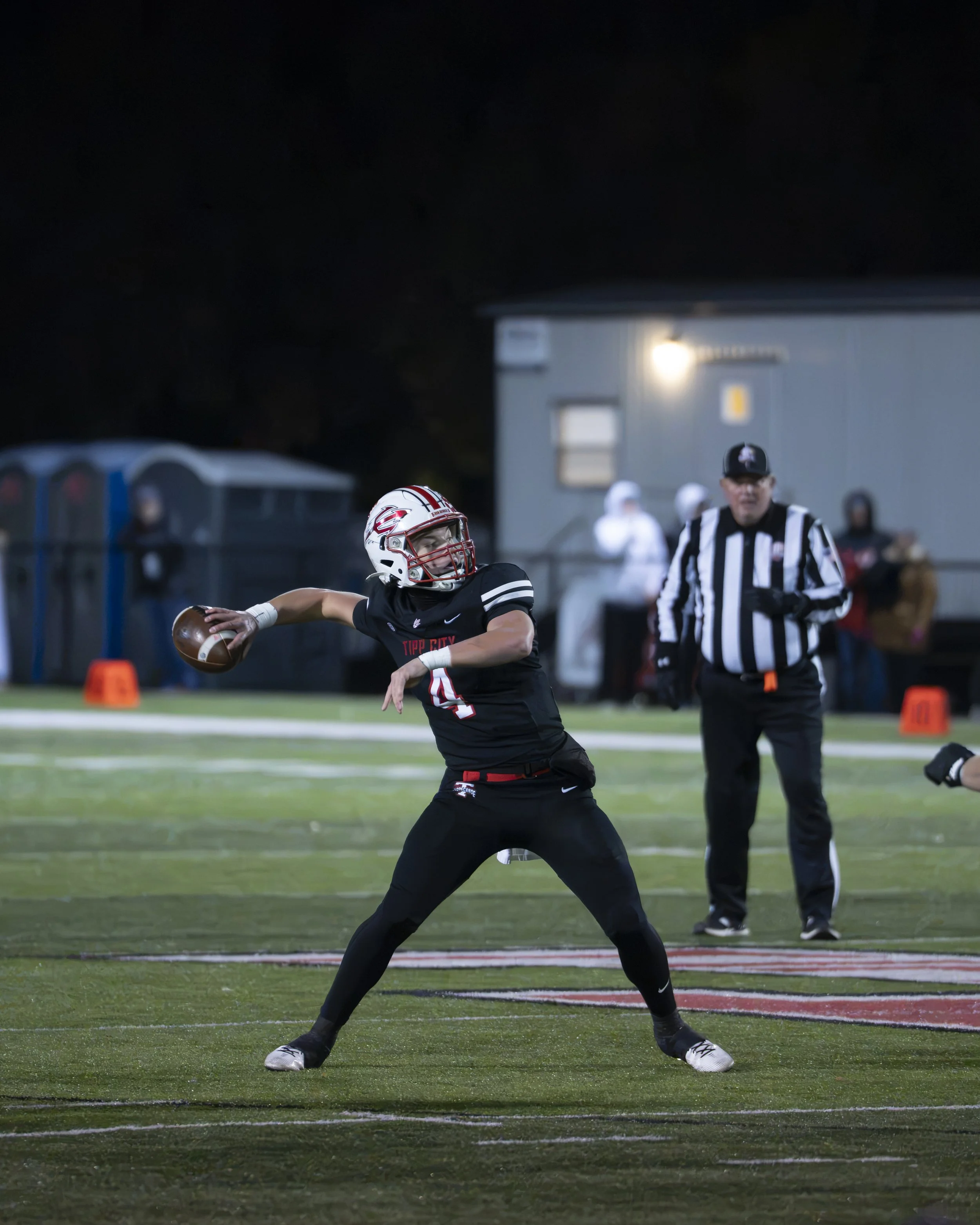 Image 20 of 20